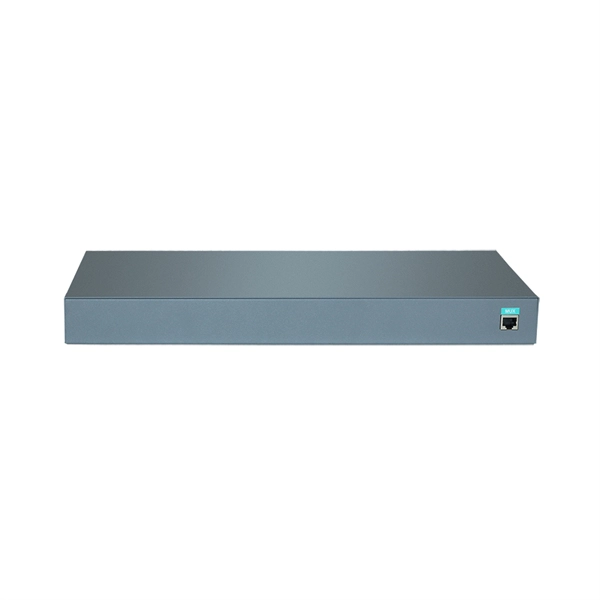
Installing FTTH wall outlets the right way improves internet speed. It also lowers signal loss. Pick the correct outlet type for your space size. Use single-port for small areas and multi-port for bigger networks. Use good tools and materials to protect the delicate fiber optic cables. Designed to provide a clean, secure, and accessible termination point for indoor fiber connections, these outlets ensure optimal signal quality and minimal interference in residential and commercial environments. Whether you're a homeowner upgrading to fiber or a contractor planning network. These outlets act as the key connection point between your fiber optic cables and the devices that require fast, stable internet access. What is a Fiber Wall Outlet Socket? A fiber wall outlet socket is a specialized socket installed in walls or other surfaces to terminate fiber optic cables in a. When you're looking to bring the unparalleled speed and reliability of fiber optic cable into your home, the preparation phase is crucial. This small device helps send data quickly and smoothly. It supports fast internet and steady communication. A good setup cuts signal loss, lowers. Indoor cables can be installed in raceways, cable trays above ceilings or under floors, placed in hangers, pulled into conduit or innerduct or blown though special ducts with compressed gas. The installation process will depend on the nature of the installation and the type of cable being used.
[PDF]
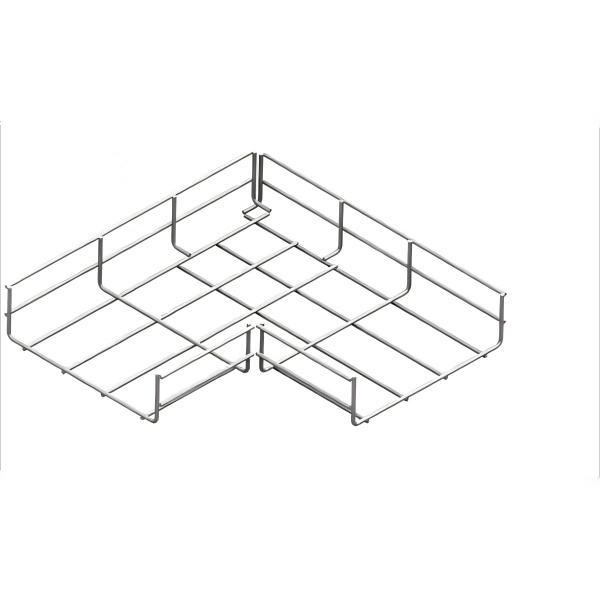
You can't directly connect a fiber optic cable to your router. Fiber optic cables carry light signals, not the electrical signals your router uses. You need an intermediary device. The key component is an Optical Network Terminal (ONT) or Optical Network Unit (ONU). Most fiber ISPs, including Mercury, provide an ONT that connects directly to your router via an Ethernet cable. This means you don't need a specialized modem-router device, but your router must support high-speed Ethernet input. While many users ask if fiber internet needs a modem, it actually. The ONT converts the light from th e fiber into electrical signals that run via an ethernet cable. The technician powers, tests, and activates the connection to confirm full speed and signal quality. * In some instances, the ONT. The fiber optic cable does not plug directly into a standard home router because the signal type must be translated. This comprehensive guide combines industry standards with field-tested practices to ensure you achieve a rock-solid. Fiber-optic internet connections are by far the fastest and most reliable type of internet connection you can choose, but getting those precious beams of internet light to your devices can be quite an ordeal. This device receives the fiber.
[PDF]
In the single mode vs. multimode fiber debate, there is not one cable that's the best, but there are some that are better suited to certain situations. If you need to run fiber optic cable over a vast distance, there's.
[PDF]
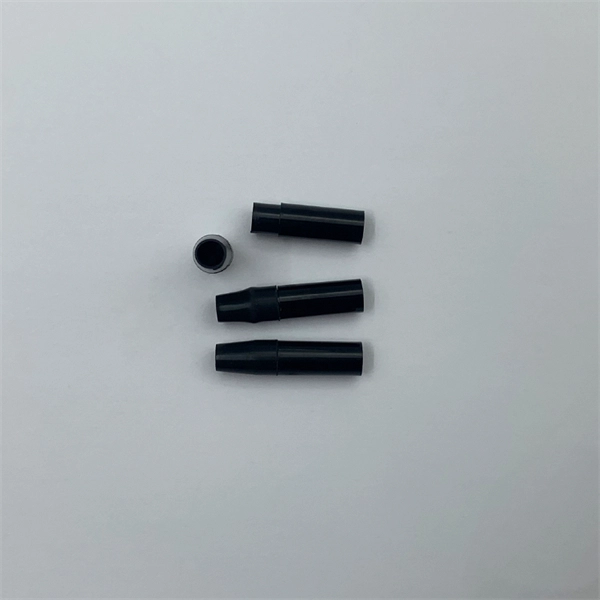
ADSS fiber cables demand site surveys, route planning, and correct mounting hardware. The best practice includes tension checks, buffer tube management, and regular lash-back tests to keep the cable stable. Maintenance includes routine inspections, cleaning, and load checks. These steps help prevent breaks and signal loss. Many engineers trust these methods to ensure stable performance over long spans. All Dielectric Self Supporting (ADSS) Fiber Optic Cable Installation The practices contained herein are designed as a guide. Since there are numerous practices which may be utilized, Prysmian has tested and determined that the practices described herein are effective and efficient. The recommended. Q1: What fiber core counts are available for this ADSS cable? A1: Usually offered in 4, 6, 12, 24, 48 cores, and custom cores can be added as needed. Q2: What fiber type: single-mode or multi-mode? Standards compliance? A2: Generally single-mode fiber complying with ITU-T G. 657. This procedure provides general information for installing all Corning Optical Communications Solo® ADSS All-Dielectric Self-Supporting fiber optic cables from 2-288 fibers. Each installation will be influenced by local conditions. As someone who has worked on numerous ADSS projects at Bright Power Co., Ltd, I've faced challenges ranging from cable sag to high-voltage.
[PDF]
Hengtong, in collaboration with China Unicom, has successfully deployed and begun operating China Unicom's first commercial hollow-core fiber optic cable line. This hollow-core fibre cable is now serving a dedicated line for a bank branch in Jiangsu, where it has been integrated into the live. China has officially leapfrogged global broadband standards by launching the world's first commercial 10G fiber broadband network in Suning County, Hebei Province. The high-speed network is powered by the cutting-edge 50G PON (Passive.
[PDF]
In a fiber optic installation, the cable is typically laid in an underground conduit to protect the cable jacket. The blowing head is inserted into the conduit, and the fiber optic cable is fed through it. The air pressur.
[PDF]
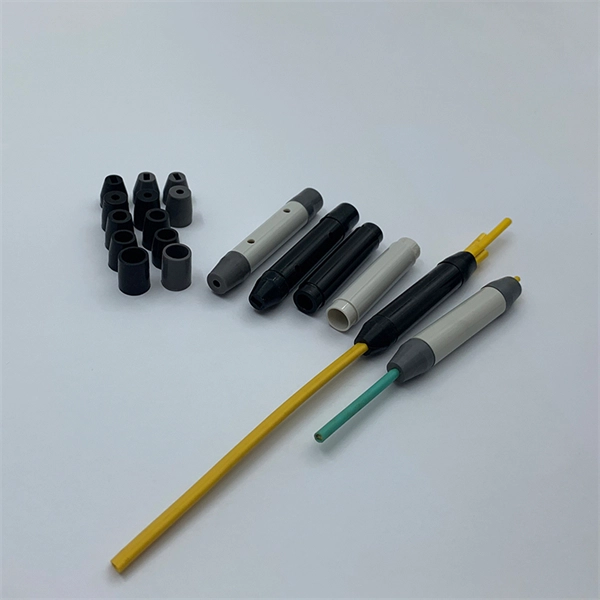
A blinking red light on a ZTE WiFi 6 router typically indicates that the router is powered on but isn't receiving an internet signal from the fiber line, or the connection hasn't been fully activated by the provider. First, check the physical connection between the. This guide will walk you through what the LOS light means, why it blinks red and step-by-step instructions on how to resolve the issue, including resetting your router. NSI-79750LW Round Indicator Light with Non Replacable Lamps, Press Fit, 0. 5" Panel Cutout, 0. uxcell 2Pcs Red Green Indicator Light. That blinking red LOS light means your router has lost its connection to your internet provider's network. Before you panic or call tech support, there are several simple fixes you can try at home that often solve this problem in minutes. The LOS light on your router stands for “Loss of Signal. Understanding the possible causes and fixes for this issue is crucial to getting your connection back on track. We will explore common reasons behind the solid red.
[PDF]
Pricing (DKK) Filter the results in the table by unit price based on your quantity. Fibre Optic Cables are available at Mouser Electronics. Mouser offers inventory, pricing, & datasheets for Fibre Optic Cables. Farnell's fibre optic cables are engineered to provide high-speed, high-bandwidth data transmission over long distances with minimal signal loss. Ideal for telecommunications, data centres and networking applications, our fibre optic cables are available in single-mode and multimode configurations. Internet in Copenhagen offers a range of options, including the increasingly popular fiber internet, catering to the city's tech-savvy residents. We examine how to secure a reliable internet connection in Copenhagen and the key factors to consider when choosing a provider. The country has one of the highest fiber penetration rates in Europe, with cables reaching even remote rural areas. For an expat relocating to Denmark, securing a reliable fiber connection is often a. Fiberby is a specialized service provider offering high-speed fiber optic internet solutions for housing networks in the Copenhagen area. With a focus on quality service and competitive pricing, they cater to various housing associations, ensuring robust connectivity and continuous network.
[PDF]

These cables can be classified based on key parameters including fiber mode, fiber count, cable jacket rating, connector type, and end-face polish. There are different types of fiber optic cables because each type is optimized for specific applications that have unique requirements for bandwidth, transmission distance, and environmental factors. The choice of fiber optic cable depends on the specific needs of the application, as well as the. Fiber optic cables come in various types based on different specifications and application requirements. Unlike copper wires, which are limited by lower data transmission speeds, shorter transmission distances, and higher susceptibility to electromagnetic interference, fiber optic cables offer unparalleled performance and can. This quick guide will highlight the characteristics of OS2, OM1, OM2, OM3 multimode fiber, OM4, and OM5 fiber cables. The first difference to understand is the one that exists between OS and OM cables. The briefest explanation is that OS cables are all singlemode fiber, and OM cables are multimode. 801 is currently being finalized and should come into effect in mid 2010. It is eagerly awaited as it outlines the requirements for Category 6A components, but the amendment will also have significa c fibre optics used in industrial networks such as Interbus and Profibus. The second p nd AMD2.
[PDF]

The fiber optic cable does not plug directly into a standard home router because the signal type must be translated. The fiber line terminates at the Optical Network Terminal (ONT), which is typically supplied and installed by the internet service provider. The ONT converts the light from th e fiber into electrical signals that run via an ethernet cable. The technician powers, tests, and activates the connection to confirm full speed and signal quality. * In some instances, the ONT. When it comes to land-based high-speed broadband connections, there are currently two competing technologies: Coaxial Cable vs. Fiber-optic, or Cable vs. This post will briefly explain the two and offer tips for handling their broadband terminal devices: the Cable modem vs. Additionally, you'll need a compatible. Fiber internet transmits data using light signals through fiber-optic cables, which differs from traditional DSL or cable internet. Most fiber ISPs. The process to connect fiber optic cable to router requires careful attention to detail, but I'll walk you through every critical step with the precision and clarity you deserve. This specialized equipment serves as the.
[PDF]

Specialized Products stocks a vast selection of fiber optic tools including fiber crimpers, cleavers, fiber optic strippers for splicing and terminating fiber optic cable. We offer a wide selection of specialty fiber optic installation tools and equipment from the leading brands to meet the needs of any fiber installation, maintenance and troubleshooting job. Top. Check each product page for other buying options. Our termination kits, for example, are equipped with all of the necessary tools — pin and socket polishing tools, jacket strippers. CommScope features a family of tools and components for the installation, repair and maintenance of fiber cables, including prep and termination kits. Whether you're using FiberExpress (FX) Fusion or FX Brilliance Universal field-terminated connectors, installation kits are available with all the tools necessary to prepare the fiber and provide a stable work platform to achieve optimal installation results. We carry Fiber Optic fusion splicers, cleavers, OTDRs, cables, panels, laser sources, power meters, and many other Fiber Optic products for any project.
[PDF]
Fiber technicians are taught to keep connections clean after termination, cover connector ferrules and mating adapters with dust caps and clean the ferrule end whenever it is opened to the air. Fiber optic cables are a critical component in modern networks, with their performance directly affecting the stability of data centers and enterprise networks. Effective lifecycle management of fiber optic cables, from selection and installation to daily maintenance and replacement, is essential. That advice is misguided. It could hurt an installer or get them sued by an irate network owner. We've created a simple guide on keeping fiber optic cables in good condition without impairing them. Avoid getting them damaged by handling them with extreme care. We've created a simple guide on maintaining.
[PDF]

The first thing you should do is locate the fiber optic cable that comes from the service provider. Once inserted, make sure it is securely. In this guide, we'll walk you through how to connect a fiber optic cable to a router safely and efficiently. Why Use Fiber Optic Internet? Before diving into the setup, let's quickly recap why fiber optics are worth the effort: Lightning-fast speeds (up to 1 Gbps or higher). Our Experts are helping user's, who are facing issues with their tech gadgets like Router, Modem and extender. If you. The process to connect fiber optic cable to router requires careful attention to detail, but I'll walk you through every critical step with the precision and clarity you deserve. This comprehensive guide combines industry standards with field-tested practices to ensure you achieve a rock-solid. This guide details the necessary physical and digital steps to connect your fiber line and activate your internet service. The fiber optic cable does not plug directly into a standard home router because the signal type must be translated. A shaky connection means weaker signals, dropped streaming, or slow uploads. Get the hookup right, and you'll enjoy streaming, gaming, and video calls without interruptions. Fiber optic cables need careful handling. Here's a step-by-step guide to help you through it. Understand the Basics Before diving in, familiarize yourself with the components involved:.
[PDF]